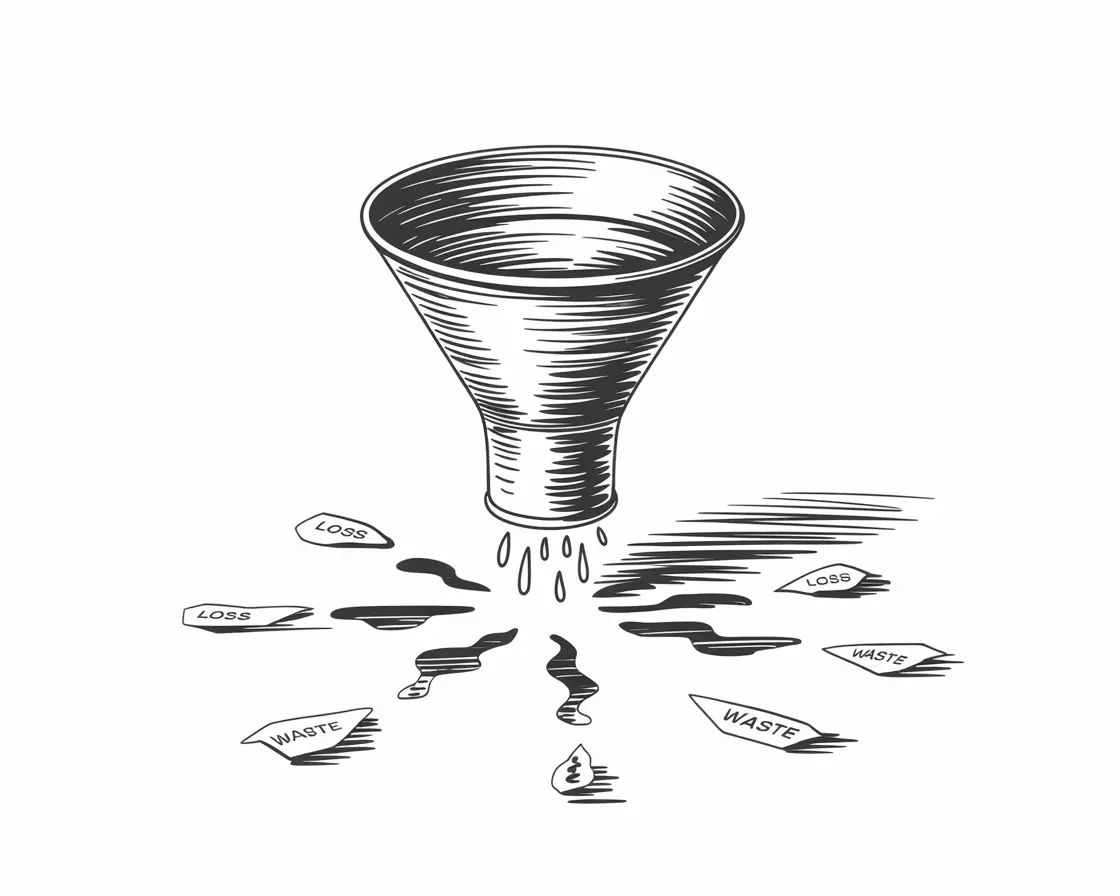
The Appointment Leakage Guide for clinics, salons, and healthcare practices
The Daily Reality
You're mid-appointment. Hands busy. Full focus on the client in front of you.
The phone rings.
Maybe you're mid-scale. Maybe you've got foils in. Maybe you're halfway through a consultation, or hands-on with a client who needs your attention.
You can't answer. Obviously.
So the phone rings out. It goes to voicemail, or maybe someone at the front desk catches it...if you have a front desk, and if they're not already on another call or checking someone in.
The person calling wanted to book, or reschedule, or ask a quick question before committing. Now they're listening to a recorded message, or worse, silence.
Most won't leave a voicemail.
A good number will try the next name on their list.
You'll never know they called.
This isn't a failure of effort or attention. It's the basic maths of running an appointment-based business: you can't be with clients and available to new ones at the same time.
I talk to practice owners every week who know this tension intimately. They've made peace with it. The missed calls become background noise. The reminders they meant to send slip through. The clients who were due back six months ago never hear from them.
It feels like the cost of doing business. But it's also a leak. A slow, steady, invisible one.
We call this appointment leakage: the quiet loss of clients through gaps in your calls, reminders, follow-up, and admin. Most businesses don't notice it until they add up the numbers.
This guide is about finding those leaks and fixing them.
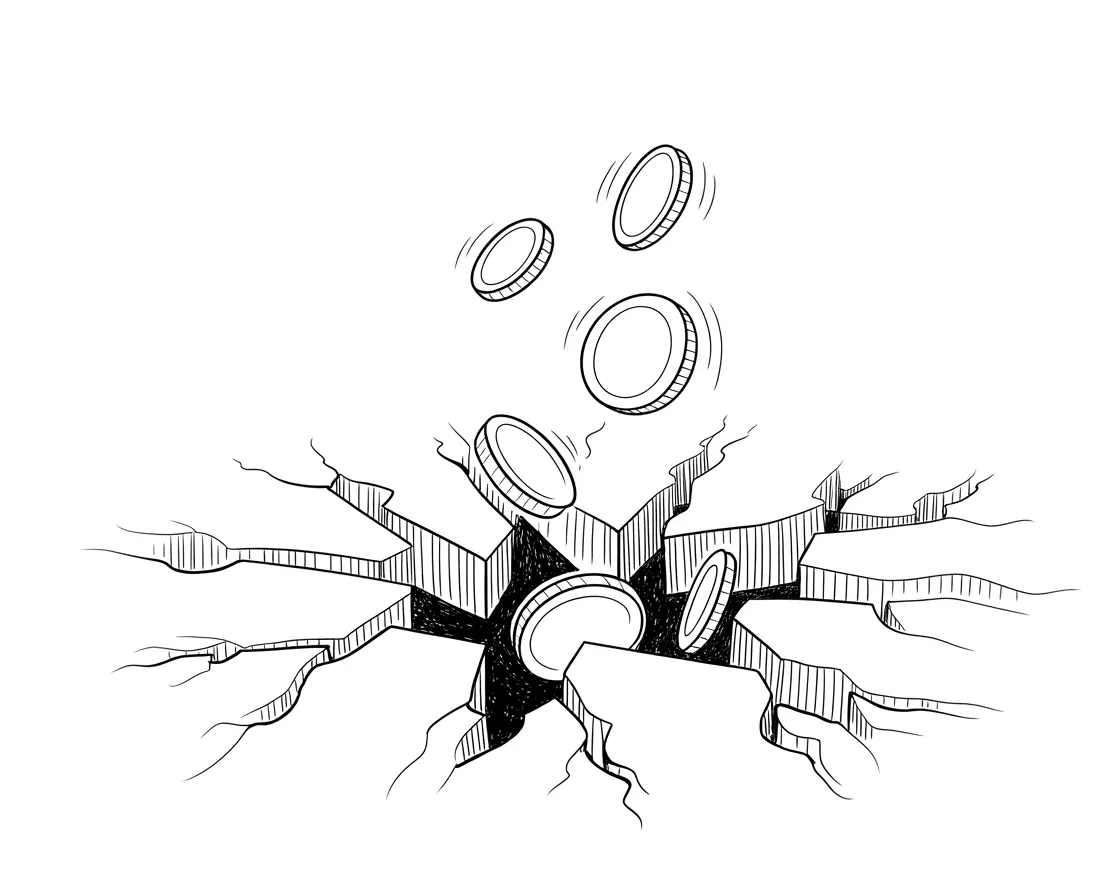
The Hidden Cost of Getting This Wrong
Let's put some numbers to what "background noise" actually costs.
Missed inbound calls are more common than most owners realise. Research across service businesses suggests that only 37.8% of calls are answered during working hours for smaller teams. Every time you're with a client, in a meeting, or simply stretched too thin, calls slip through.
Most callers don't leave voicemails. Industry data consistently shows that around 80% of people who reach voicemail will hang up without leaving a message. They're not being difficult. They just expected to speak to someone, and when they couldn't, they moved on.
And they don't call back. Around 85% of people whose calls go unanswered won't try again. They'll find someone who picks up. That's not disloyalty. It's convenience. They had a problem, they wanted it solved, and the next business answered.
So what does a missed call actually cost?
Our free missed call cost calculator lets you plug in your numbers and see an estimate. It depends on your average booking value, but even conservative estimates are uncomfortable. If your average appointment is worth £80 and you miss just three calls a week, that's over £12,000 a year in lost bookings. For higher-value services (dental treatments, aesthetics packages, specialist consultations) the numbers climb quickly.
And that's just inbound.
The reminder you didn't send costs money too. No-shows typically run between 5% and 15% for appointment-based businesses. Each one is a slot you could have filled, revenue you'd already counted, time your team can't get back. A simple reminder, sent at the right time, cuts no-shows by 30-50%. But sending those reminders manually takes time. And when you're busy, they're the first thing to slip.
Then there's the clients you never called back.
The ones who were due for a check-up three months ago. The ones who finished a course of treatment and said "I'll book in again soon" but never did. The ones sitting in your system, waiting to hear from you, slowly drifting toward someone who does reach out.
This is revenue that already belongs to you. These people have chosen you before. They don't need convincing. They just need a nudge. But proactive outreach takes time, and time is the thing you don't have.
Add it up and the picture shifts.
Most business owners think of these as minor irritations. A missed call here, a no-show there, a client who didn't rebook. Individually, they're small. Collectively, they're often the difference between a business that's always stretched and one that's comfortably full.
The strange thing is, most people already know this. They've felt the frustration of seeing a missed call notification at the end of a busy day. They've had clients mention they "tried to call but couldn't get through." They've looked at their books and noticed gaps that didn't need to be there.
So why doesn't it get fixed?
Because it never feels urgent. There's no alarm. No red warning light. The business keeps running. Clients keep coming. The problems are real, but they're quiet. And quiet problems get pushed down the list, week after week, until they just become how things are.
This guide exists to make appointment leakage visible, and fixable.
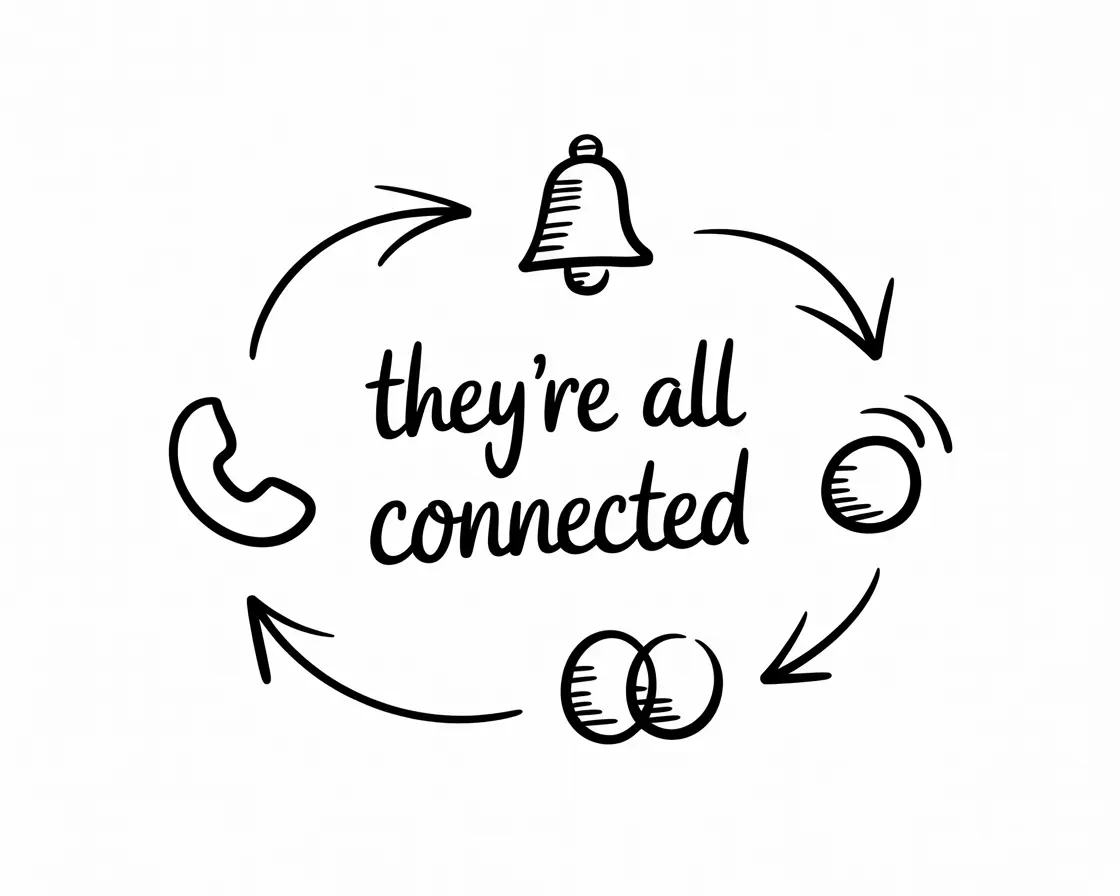
The Four Types of Appointment Leakage
Every appointment-based business faces some version of the same four challenges. They show up differently depending on whether you're running a dental practice or a hair salon, a physio clinic or an aesthetics studio. But the underlying pattern is the same.
1. Inbound Calls That Don't Get Answered
This is the most visible problem, and the one most owners have made their peace with.
The phone rings while you're busy. It goes to voicemail or rings out. The caller moves on. You lose a booking you never knew was coming.
For businesses with a front desk, the pressure shifts but doesn't disappear. Reception staff juggle check-ins, payments, and walk-in queries alongside the phone. During busy periods, something has to give. Often, it's the call that was one ring away from being answered.
After hours, the problem multiplies. A significant portion of calls come outside standard working hours: early mornings, lunch breaks, evenings. These are people trying to fit life admin around their own jobs. If no one answers, they don't wait until tomorrow. They call someone else.
2. Reminders and Confirmations That Don't Happen
Every business knows that reminders reduce no-shows. The data is clear.
The problem isn't awareness. It's execution.
Sending reminders manually takes time. It means pulling up the next day's bookings, drafting messages, checking contact details, actually sending them. When you're already stretched, it's the kind of task that gets half-done or skipped entirely.
Some businesses use automated reminder tools, and they help. But automation has limits. What happens when someone doesn't respond? Who follows up? What if they reply with a question? What if they need to reschedule? Suddenly you're back to manual work, except now it's scattered across text threads and emails.
3. Proactive Outreach That Never Gets Done
This is the problem most businesses know they should solve, and almost never do.
Somewhere in your system, there are clients who are overdue for a visit. People who had a great experience, said they'd be back, and then... silence. Not because they were unhappy. Just because life got in the way, and no one reminded them.
These are warm leads. They've already trusted you with their time and money. Reaching out to them isn't cold calling. It's care. It's the kind of service that builds loyalty and fills books.
But it requires time. You'd need to identify who's overdue, pull their details, make the call or send the message, handle the back-and-forth, and book them in. Multiply that by dozens or hundreds of clients, and it becomes a project. One that always loses out to the immediate demands of today's appointments.
4. Admin That Doesn't Stay in Sync
Behind every booking is a chain of admin: the calendar entry, the client record, the confirmation, the reminder, the follow-up notes. When everything works, it's invisible. When it doesn't, you notice.
Double bookings because two systems didn't talk to each other. Clients who say they booked online but don't appear in the diary. Reminders sent for appointments that were already rescheduled. Notes from a phone call that never made it into the client record.
This isn't dramatic. It's friction. Small errors that waste time, create awkward conversations, and slowly erode trust.
How These Problems Compound
Here's what makes this tricky: these four problems don't exist in isolation. They feed each other.
Miss an inbound call, and you've lost a potential booking. But you've also lost the chance to send that person a reminder, to follow up if they didn't show, to reach out when they're due for another visit. One missed call doesn't just cost you one appointment. It costs you the entire relationship that could have followed.
Skip the reminder, and the no-show creates a gap in your day. But it also means you now need to chase that client to rebook, adding to your outbound workload. If you don't chase them, they drift. Another client lost to inertia.
Let admin fall out of sync, and everything else gets harder. You can't send accurate reminders if your system doesn't know what's booked. You can't do proactive outreach if your client records are incomplete. You can't even answer inbound calls efficiently if you're searching three systems to find someone's history.
The compounding works both ways, though. Fix one problem well, and the others get easier. Answer every call, and your reminder list is cleaner. Send reliable reminders, and your no-show rate drops. Reduce no-shows, and you have more time to do proactive outreach. Keep your systems in sync, and the whole machine runs smoother.
That's why point solutions often disappoint. Fixing inbound without addressing reminders just shifts the pressure. Automating reminders without syncing to your calendar creates new errors. The real gains come from treating these as connected problems, not separate ones.
The rest of this guide will take each problem in turn: what causes it, what the common fixes look like, and what actually works. But keep this bigger picture in mind. The goal isn't to patch four holes. It's to build a system that doesn't leak.
This is what Intavia is built to fix. One system that handles all four. See how it works →
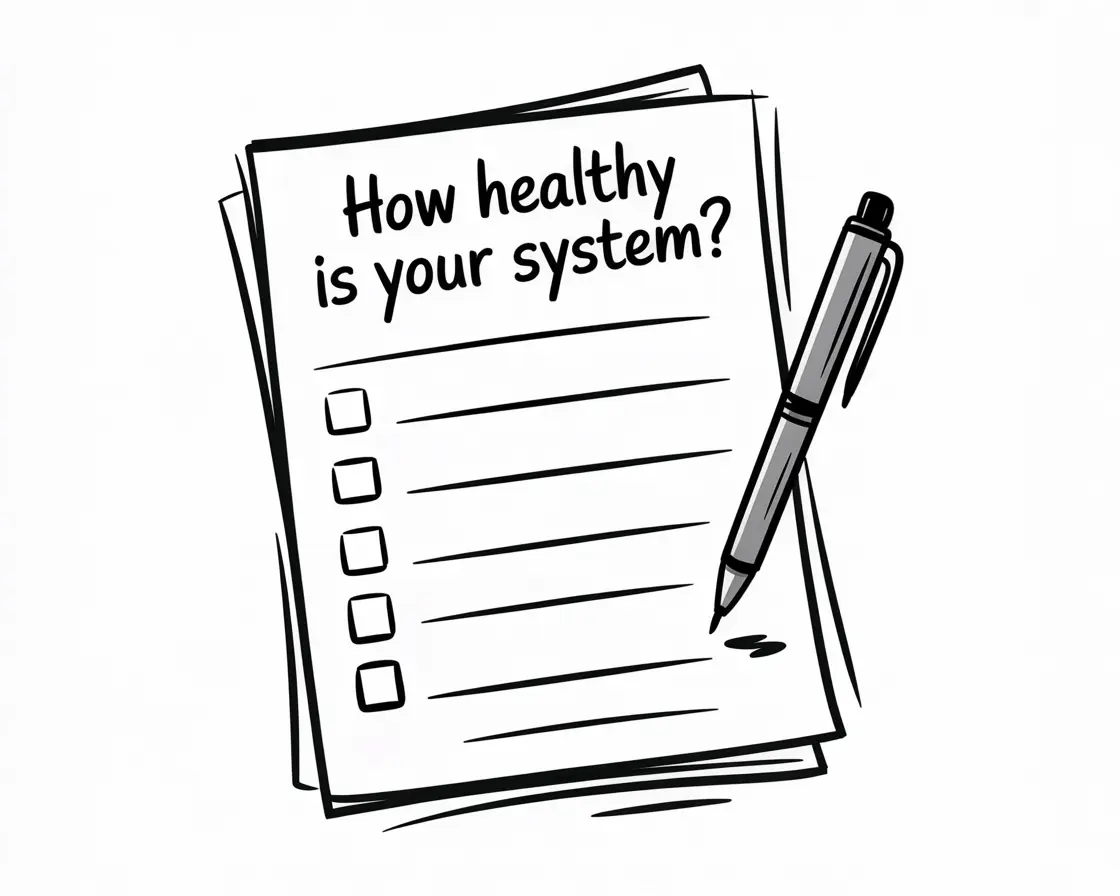
How Healthy Is Your Appointment Engine?
Before diving into solutions, it helps to know where your gaps actually are. Some businesses have an inbound problem. Others are losing clients to forgotten follow-ups. Most have a bit of everything.
These ten questions will help you diagnose what's really going on. Be honest. No one's grading you.
Inbound
-
How many calls went to voicemail last week? If you don't know, that's an answer in itself. Check your phone system or ask your team. The number is usually higher than people expect.
-
What happens to calls that come in outside working hours? Do they go to a message? A generic voicemail? Nowhere? And crucially: how quickly do those callers hear back?
-
When your team is busy with clients, who answers the phone? If the answer is "whoever can get to it" or "it depends," you've found a gap.
Reminders and Confirmations
-
What's your no-show rate? If you're not tracking it, start. Anything above 5% is worth addressing. Above 10% and you're losing real money every week.
-
How do reminders get sent? Manually? Automatically? A mix? And what happens when someone doesn't respond to a reminder... does anyone follow up?
-
How far in advance do clients get reminded? The timing matters. Too early and they forget again. Too late and they can't adjust. The best systems use multiple touchpoints.
Proactive Outreach
-
Do you know how many clients are overdue for a visit? If your system can't tell you this easily, it's hard to act on it. If it can and you're not acting on it, that's a different problem.
-
When did you last reach out to dormant clients? Not marketing emails. Actual outreach. A call or message to someone who hasn't been in for six months, checking if they'd like to book.
Admin and Systems
-
How many tools does a single booking touch? Count them: the booking platform, the calendar, the client record, the reminder system, payment processing. Each handoff is a place where things can go wrong.
-
How often do you find errors that came from systems not syncing? Double bookings, reminders for cancelled appointments, client details that didn't update. If it happens regularly, your systems aren't talking properly.
Scoring yourself:
There's no formal score here. But if you found yourself wincing at more than a few of these questions, you've identified where to focus.
Most businesses don't have one catastrophic problem. They have several small ones, each costing a little, together costing a lot. The diagnostic above helps you see which of the four areas (inbound, reminders, proactive outreach, admin) needs attention first.
Now let's look at how to fix each one.
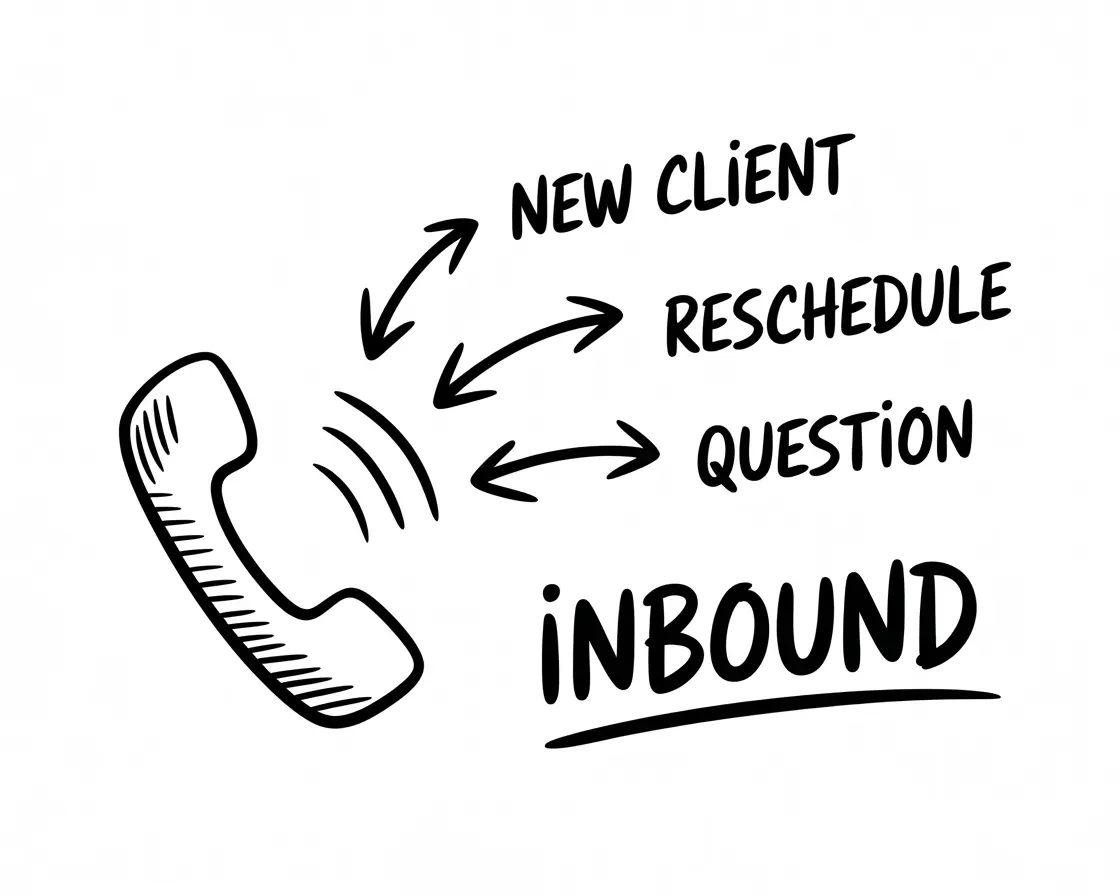
Fixing Inbound
The core problem is simple: you can't be in two places at once.
When you're with a client, you can't answer the phone. When your receptionist is checking someone in, they can't pick up another line. When you're closed for lunch or finished for the day, no one's there at all.
The result is missed calls. And missed calls rarely turn into voicemails or callbacks. They turn into bookings for someone else.
But there's a secondary problem that's less obvious: even when calls are answered, they're not always handled well. A rushed receptionist, distracted by three other tasks, might take a message but forget to follow up. Or give a vague answer that doesn't convert the caller into a booking. Or put someone on hold long enough that they hang up.
The inbound problem isn't just about answering. It's about answering well, every time, regardless of what else is happening.
Why this keeps happening
You're appointment-based, which means you're busy when you're successful. The more clients you have, the less available you are to take new ones. It's the fundamental tension of the model.
Front desk capacity has hard limits. Even a dedicated receptionist can only handle one call at a time. During peak periods, calls cluster. Something has to give.
After-hours calls get abandoned. A big chunk of calls come from people trying to sort life admin around their own working day. If you're not available then, you're invisible to them.
Voicemail is a dead end for most callers. People have been trained by years of experience: leaving a voicemail means waiting. They'd rather try someone who picks up.
Common fixes and their trade-offs
Hire a dedicated receptionist. This works, up to a point. A good receptionist can handle a lot. But they can still only do one thing at a time. They take breaks. They get sick. They go on holiday. And the cost adds up: £25,000 or more per year before you factor in training, management, and cover for absences.
Use a virtual receptionist service. Human call handlers working remotely, answering on your behalf. Quality varies widely. Good services sound professional and take messages reliably. But they typically can't access your booking system directly, so they're taking messages rather than solving problems. And you're paying per minute or per call, which adds up.
Let it ring to voicemail and call back later. This is the default for many small businesses, and it's mostly a way of accepting the problem rather than solving it.
Online booking as the primary option. Pushing clients toward online booking helps, but it doesn't eliminate phone calls. Many people prefer calling. And online booking can't handle nuanced queries: "I'm not sure which treatment I need," "Can I move my appointment by 30 minutes," "Do you have anything sooner?"
AI-powered phone answering. Newer systems use voice AI to answer calls, understand what the caller wants, and handle the request directly. The best can book appointments, answer FAQs, and reschedule without human involvement. The worst sound robotic and frustrate callers. The gap between good and bad is significant.
I'm obviously biased here, but I genuinely believe AI answering has crossed a threshold in the last year or two. The best systems now sound natural enough that callers don't realise they're not speaking to a person. That wasn't true even recently.
What good looks like
- Every call gets answered, immediately. No ringing out. No long holds. No "leave a message and we'll get back to you."
- Callers get their problem solved, not just acknowledged. If they want to book, they book. If they want to reschedule, it happens.
- It works around the clock. Evening calls, weekend calls, bank holiday calls. All handled.
- Your existing systems stay in sync. The booking made over the phone appears in your calendar automatically.
- Your team isn't interrupted unless they need to be. Routine calls get handled without pulling anyone away from clients.
One clinic owner I spoke with recently put it well: "Patients get immediate answers instead of waiting on hold, and they consistently tell us how natural the conversations feel. We're saving 10-15 hours a week, and delivering the attentive service we've always wanted to provide, just more reliably."
That's what good looks like. Not perfect, but reliable. And reliable changes everything.
Fixing Outbound Reminders
No-shows hurt. The slot sits empty. The revenue disappears. Your team's time goes to waste. And the client who didn't show up often feels embarrassed, making them less likely to rebook at all.
Most no-shows aren't malicious. They're forgetfulness. Life gets busy. The appointment made three weeks ago slips down the mental priority list. Without a prompt, it simply doesn't surface until it's too late.
The fix seems obvious: send reminders. And most businesses do, at least sometimes. The problem is consistency. Reminders that go out sporadically don't deliver the results that a reliable system does.
What gets in the way
Manual reminders depend on someone having time. When the day is busy, reminder calls get pushed. When reception is short-staffed, they don't happen at all. The task is important but not urgent, which means it consistently loses to things that are both.
Basic automation only goes so far. Automated text or email reminders help, but they're one-way. If a client replies with "Can I move to Thursday instead?" someone still has to handle that manually. The automation handles the easy part. The exceptions still need human time.
Timing is tricky. Remind too early (a week before) and the client forgets again. Remind too late (the morning of) and they can't adjust if there's a conflict. The sweet spot is usually 24-48 hours before, but some clients need multiple touchpoints.
Common fixes and their trade-offs
Manual phone calls. Personal and effective when done, but time-consuming. A reminder call takes 2-3 minutes including looking up details and leaving a message if there's no answer. Multiply by twenty appointments and you've lost an hour. Every day.
Automated text/email reminders. Cheap and scalable. But impersonal, and limited in what they can do. Replies need manual handling. Open rates for emails are unreliable.
Appointment reminder software. Dedicated tools that plug into your calendar and send reminders automatically. These help, but they're often separate from your booking system, creating potential sync issues. And they still don't handle the back-and-forth.
AI-powered reminder calls. Voice AI that calls clients, confirms their appointment, and handles rescheduling if needed. The best systems can have a natural conversation, check availability, and make changes directly in your calendar.
A different way to think about this
I've noticed that business owners often frame reminders as a chore. Something they have to do to prevent a bad outcome.
But reminders are actually a service. They're you saying to the client: "We're expecting you. We've got your time set aside. We're looking forward to seeing you."
When you frame it that way, the question isn't "how do I minimise the effort of sending reminders?" It's "how do I make sure every client feels expected and valued?"
That shift changes which solutions make sense. You want something reliable, personal-feeling, and capable of actually helping if the client needs to adjust.
What good looks like
- Every appointment gets a reminder, without fail. No gaps when the team is busy.
- Clients can respond and take action. If they need to reschedule, they can do it right there.
- Non-responders get followed up. A single unanswered reminder doesn't end the process.
- The system updates automatically. When a client confirms or reschedules, your calendar reflects it immediately.
- It scales without adding headcount. Whether you have 20 appointments a week or 200, it works the same way.
When reminders work well, no-shows drop noticeably. That's revenue recovered, time protected, and clients who feel looked after rather than forgotten.
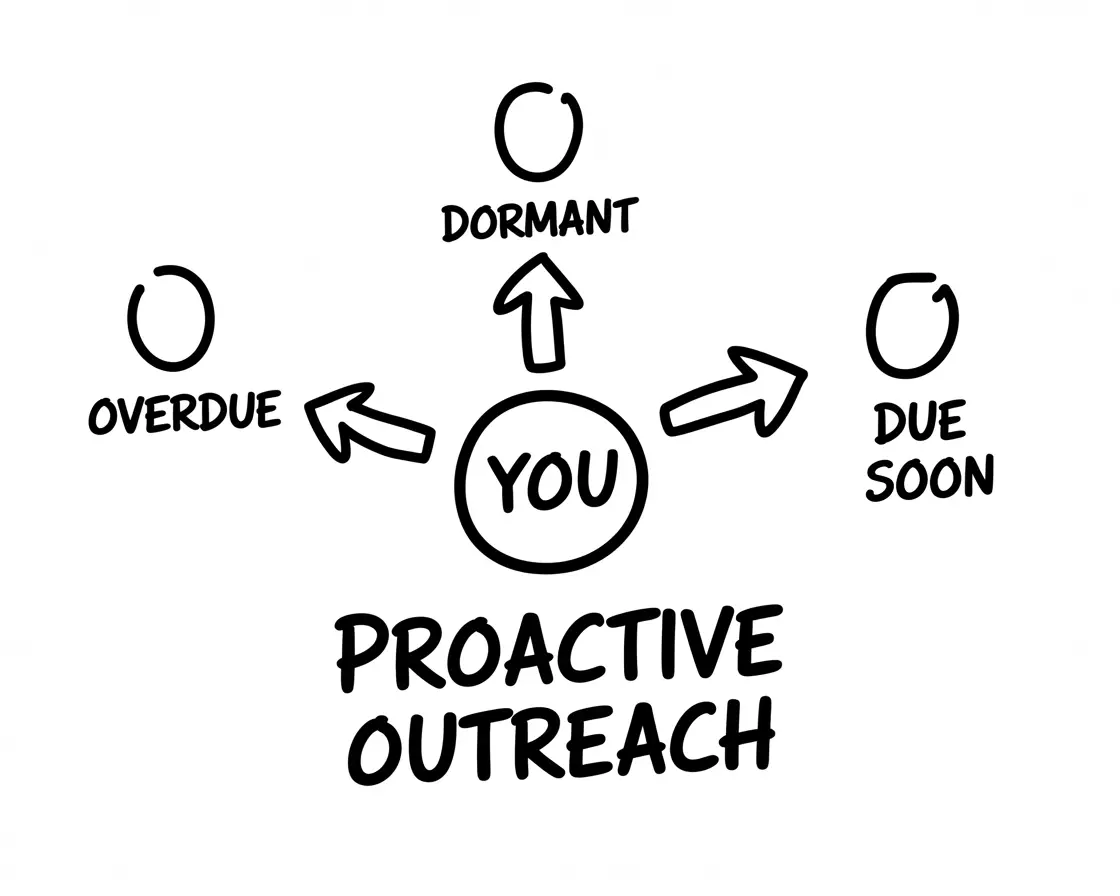
Fixing Proactive Outbound
This is the problem everyone knows about and almost no one solves.
Sitting in your client list right now are people who should be booking. The dental patient due for a check-up. The salon client whose colour is growing out. The aesthetics client whose treatment plan calls for a follow-up. The physio patient who finished their course but could benefit from maintenance sessions.
They're not gone. They're just waiting. For a prompt. For permission. For someone to make it easy.
But calling them takes time. Finding who's overdue, pulling their details, making the call, handling the conversation, booking them in. It's a project, not a task. And projects need dedicated time, which appointment-based businesses rarely have.
So the overdue list grows. The "we should really reach out" conversation happens quarterly, maybe annually, usually followed by nothing.
Why it never happens
The immediate always beats the important. Today's appointments, today's calls, today's admin. Proactive outreach is important but never urgent, so it loses out every single day.
It requires information most systems don't surface easily. To do proactive outreach, you need to know who's overdue. Many practice management systems don't do this well, or bury the information.
Outreach feels like selling. Calling someone to remind them they're due feels pushy to many practitioners. Even though it's genuinely in the client's interest. So they avoid it.
The effort-to-reward ratio feels poor. Calling 50 overdue clients to get 10 bookings doesn't feel efficient, even though those 10 bookings might be worth £800 or more.
What actually works
I'll be honest: I think most "solutions" to proactive outreach don't work very well.
Email campaigns have low open rates. SMS blasts feel impersonal. CRM automation requires technical setup that most small practices don't have time for.
The thing that actually works is someone (or something) making a call. A real conversation. "Hi, it's been a while since we saw you, I wanted to check if you'd like to book in."
That's it. Not complicated. Just consistent, personal outreach.
The challenge is who does it. If it's your team, it rarely happens because they're busy. If it's you, same problem. If it's an outsourced service, they don't know your clients or your business well enough.
This is where AI outbound calling has genuine potential. Not because AI is magic, but because it can make those calls consistently, at scale, without taking time from your team. And if it's set up well, it knows who's overdue, what they were last in for, and can book them directly into your calendar.
What good looks like
- Overdue clients get contacted automatically. Not when someone remembers. Consistently.
- The outreach feels personal. The client hears their name, their history, a relevant prompt.
- Booking can happen right there. No "we'll call you back to schedule."
- The workload doesn't fall on your team. It happens in the background.
- You can see what's working. How many contacted? How many booked? What's converting?
When proactive outreach works, it feels like discovering money you forgot you had. These are clients who already chose you. They just needed a nudge.
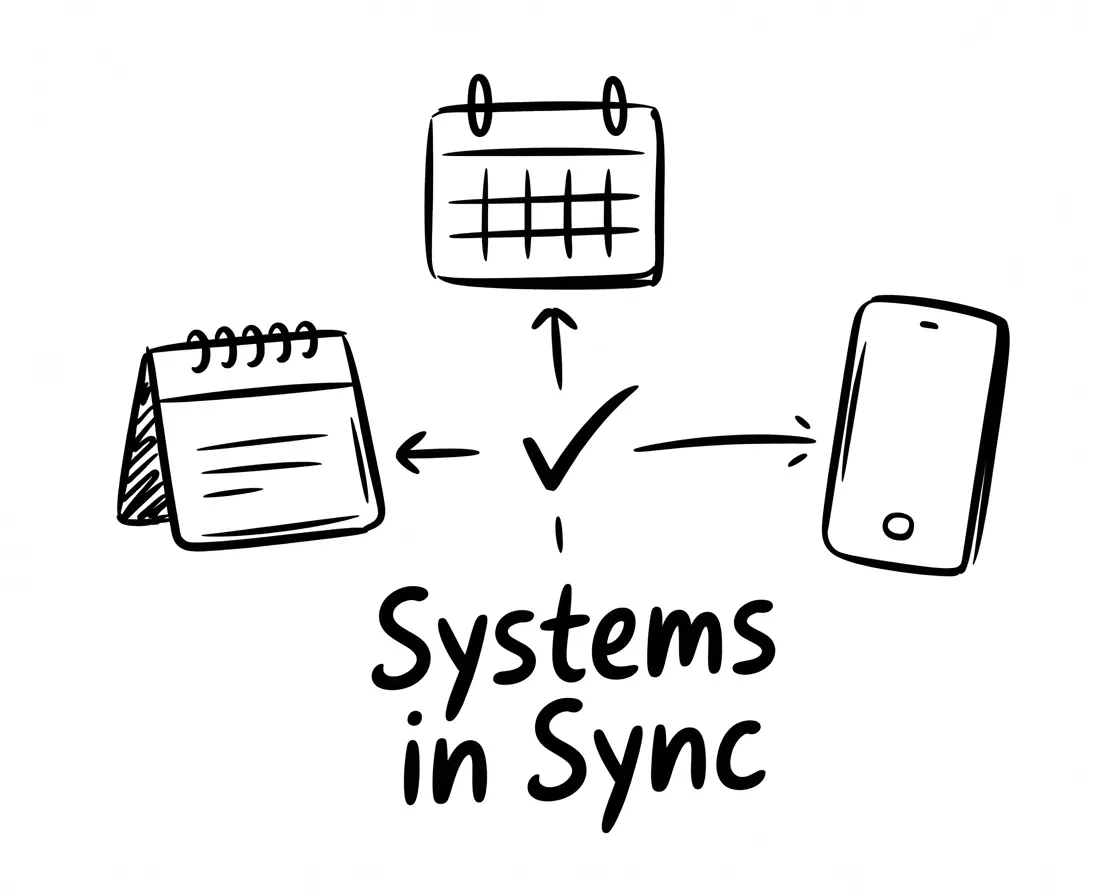
Fixing Admin Sync
Every booking generates admin. The calendar entry. The client record. The confirmation message. The reminder. The follow-up note. The payment record.
When these systems talk to each other, everything flows. The booking appears in the right place. The reminder goes out on time. The client's record stays current.
When they don't, things break. Small things, mostly. But small things accumulate.
A booking made over the phone doesn't appear online, so you get a double booking. A cancellation in one system doesn't update another, so a reminder goes out for an appointment that no longer exists. A note from a call gets written on paper and never makes it into the client record.
Each error costs time. Untangling the double booking. Apologising to the confused client. Hunting for information that should be at your fingertips.
The root cause
Most businesses use multiple tools that weren't designed to work together. A booking platform here, a calendar there, a separate CRM, a different tool for messaging. Each works fine alone. Together, they create gaps.
Integration is technically hard. Connecting systems properly requires either built-in integrations (which don't always exist) or custom work (which costs money). Many businesses just accept the fragmentation.
Manual bridging becomes the norm. When systems don't sync, someone fills the gap. The receptionist who re-enters bookings. The owner who copies notes across platforms. This works, until that person is busy or absent.
Common fixes
All-in-one practice management systems. Some platforms try to do everything. When they work, they eliminate integration headaches. But they're often expensive, inflexible, and force you to abandon tools you like.
Integration platforms (Zapier, Make, etc.). These can connect different systems, passing information between them. They work well for simple flows but struggle with complexity. And they require setup and monitoring.
Native integrations. Some tools plug into common practice management systems directly. When these exist, they're usually the cleanest option.
Unified communication layers. A newer approach: rather than trying to sync everything, have a single layer that handles communication and connects into your existing systems. The communication layer becomes the integration point, pushing updates to your calendar, CRM, and booking system as things happen.
What good looks like
- Information flows automatically. A booking made anywhere shows up everywhere. A change in one place updates the rest.
- The team has one source of truth. No "let me check the other system."
- Errors become rare, not routine. Double bookings and missed updates stop being regular occurrences.
- The admin burden shrinks. Less time reconciling systems means more time on work that matters.
This is the least glamorous of the four problems, but it underpins everything else. You can have brilliant inbound answering and perfect reminders. If the admin doesn't sync, you'll spend your gains on fixing errors.
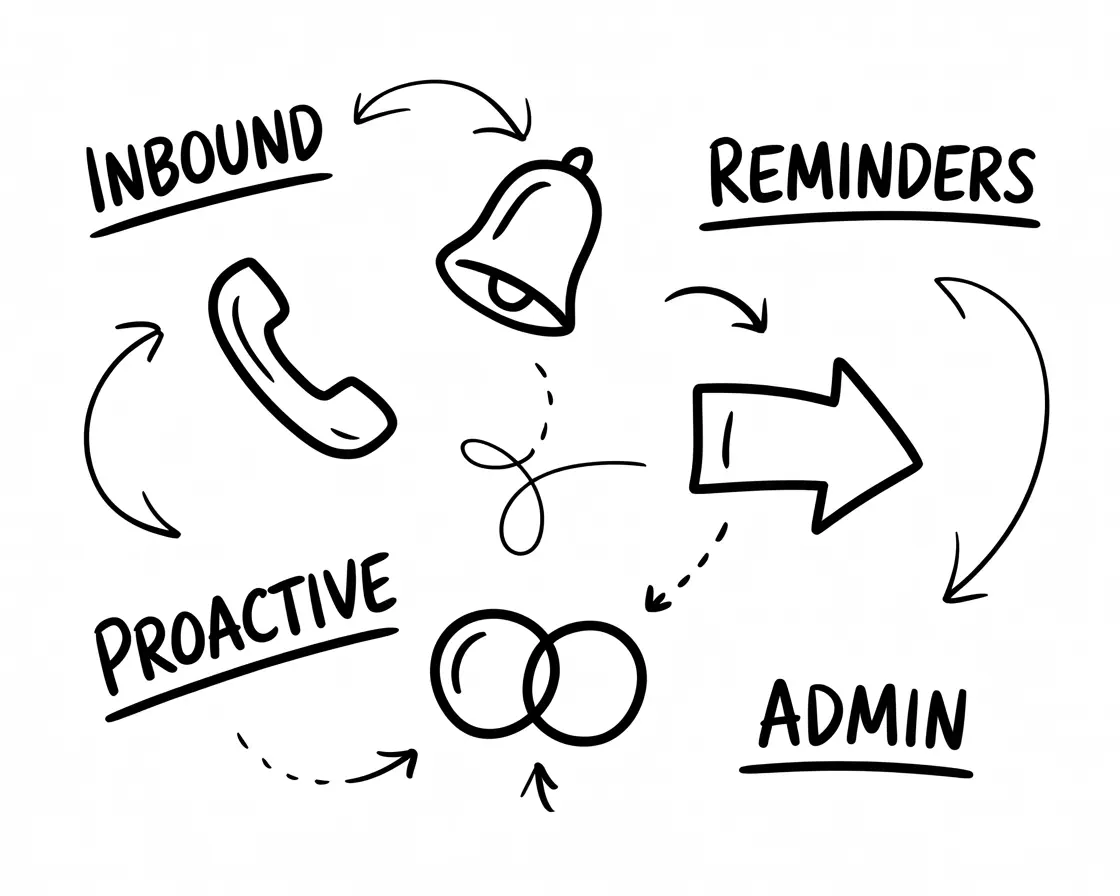
Bringing It Together
If you've read this far, a pattern should be emerging.
These four problems are connected. They share root causes, and they compound each other's effects. Fixing one in isolation helps a bit. Fixing all four together helps a lot.
But there's a reason most businesses haven't done this. Fixing all four historically meant hiring more people, buying multiple tools that don't integrate, or building custom solutions. The maths rarely worked for small and medium-sized practices.
That's changing.
What a modern solution looks like
The technology for handling calls, sending reminders, making outbound calls, and syncing systems has improved dramatically. Voice AI in particular has crossed a threshold. The best systems now sound natural, understand context, and can actually complete tasks.
This means it's now possible to address all four problems with a single, integrated approach. Not four different tools bolted together. A unified system that handles communication, takes action, and keeps everything in sync.
What to look for
If you're evaluating options, here's what separates good from mediocre:
Does it actually do things, or just notify? Many tools send messages or take messages. Fewer can actually book appointments, reschedule, or update your systems. The value is in completion, not just communication.
Does it integrate with your existing systems? A good solution connects to the tools you already use.
Does it handle all four problems? Point solutions create new gaps.
Does it sound natural? For voice-based solutions, this is critical. Robotic AI frustrates callers and damages your brand.
What's the setup process like? Self-service tools sound appealing until you're three days into configuring workflows. Look for guided implementation.
Is it reliable? Cheap AI tools often fail at edge cases. The best systems handle real-world complexity without breaking.
How Intavia helps
Intavia covers all four types of appointment leakage in one system. We answer inbound calls, follow up missed calls, send reminders and confirmations, reach out to overdue clients, and sync everything back to your calendar and CRM. Setup is guided, not self-service — we configure it around your business, not the other way around.
A note on AI scepticism
If you're wary of AI, you're not alone. I talk to business owners every week who worry about sounding impersonal, about clients preferring humans, about technology failing at the wrong moment.
These concerns are legitimate. And they were justified a few years ago. Early voice AI was clunky.
But the technology has improved faster than most people realise. The best systems today are often mistaken for humans. Clients don't complain; they comment on how pleasant the experience was. (If you're curious about how AI receptionists actually work, we've written a detailed guide.)
The shift usually happens when business owners hear their own AI agent in action. Hearing it handle a real scenario, using their business's name, talking about their services, doing it naturally. That's typically the moment scepticism turns into "why didn't we do this sooner?"
(I've seen this happen dozens of times now. The look on someone's face when they realise it actually works is one of the best parts of my job.)
Quick-Start Actions
You don't need to fix everything at once. Here are three things you can do this week, regardless of what tools you're using.
1. Measure your missed calls
Most phone systems can tell you how many calls went unanswered. Find that number for last week.
Once you have it, do the maths. Multiply by your average booking value. Multiply by 52 weeks. That's a rough ceiling on what inbound problems might be costing you annually. For a more detailed estimate tailored to your business, use our free missed call cost calculator.
2. Check your no-show rate
Look at your books from the last month. How many appointments were no-shows or late cancellations? Divide by total appointments.
Anything above 5% is worth addressing. Above 10% and you're leaving serious money on the table.
3. Ask your team one question
"What calls or tasks are you handling repeatedly that feel like they should be automated?"
Listen to the answers. The patterns will tell you where friction lives. Maybe it's the same questions over and over. Maybe it's chasing clients to confirm. Maybe it's updating three systems every time something changes.
Your team knows where the problems are. They've just stopped mentioning them because nothing ever changes.
Common Questions
How many calls does a typical salon or clinic miss per week?
It varies, but research suggests only 37.8% of calls are answered during working hours for small teams. If you're taking 50 calls a week, that could be 10-30 missed. After hours, it's typically 100%.
Do automated reminders actually reduce no-shows?
Yes. Automated reminders reduce no-shows by 30-50% compared to no reminders. The key is consistency.
Can AI receptionists really book appointments directly into my system?
The best ones can. They integrate with common booking and practice management systems, so a booking made over the phone appears in your calendar automatically. But not all AI tools have this capability. Many just take messages.
What's the difference between a virtual receptionist and an AI receptionist?
A virtual receptionist is a human working remotely, answering calls on your behalf. They're typically paid per minute or per call, and they take messages rather than accessing your systems. An AI receptionist is software that answers calls, understands what the caller needs, and handles requests directly. The cost model is usually fixed, and it works around the clock. (We've written a detailed comparison: virtual receptionist vs AI receptionist.)
How do I know if AI will work for my specific business?
The best way is to hear it in action with your own scenarios. Good providers offer demos using your business's actual details: your services, your name, your common questions. If it handles those well, it'll handle real calls.
What happens if the AI can't handle a call?
Good systems have fallbacks. If the AI can't complete a request, it can take a message, offer to transfer to a human, or flag the call for follow-up. The goal isn't to handle 100% of calls without human involvement. It's to handle the routine 80% so your team can focus on the exceptions.
Will clients be annoyed they're talking to AI?
Most clients care about getting their problem solved, not about who solves it. If they call, get their question answered, and book their appointment without hassle, they're satisfied. Many don't realise they were speaking with AI. The annoyance comes from bad experiences: long holds, unhelpful responses, having to repeat themselves. Those are what you're eliminating.
How long does it take to set up?
Depends on the provider. Self-service tools can run in a day but need ongoing tweaking. Guided setup typically takes a week or two but results in something that works properly from the start.
Where to Go From Here
This guide has covered a lot of ground. If you're feeling the weight of it, here's a simple place to start:
Pick the one problem that's costing you most. For many businesses, that's missed inbound calls. For others, it's no-shows. For some, it's the clients who've quietly drifted away.
Focus there first. Solve it properly. Then move to the next.
The businesses that run smoothly aren't the ones that solved everything at once. They're the ones that stopped accepting "that's just how it is" and started fixing the leaks, one at a time.
Want to see what a modern solution looks like?
If you'd like to see what this looks like for your business, we offer a personalised demo — not a generic walkthrough, but one configured with your services, your availability, your common questions. That's usually the moment when it clicks.
This guide was written by Sam King, founder of Intavia. We help dental practices, salons, clinics, and healthcare providers answer every call, automate reminders, and bring back clients who've drifted. If any of this resonated, I'd love to talk.